Fake KYC Update Message Scam: How to Spot It and Protect Your Account
An SMS or WhatsApp says your account, PAN or wallet will be blocked today unless you "update KYC". It is a scam. Here is how the trick works and what to do instead.

A fake KYC update message is a scam SMS, WhatsApp or email that claims your bank account, wallet, SIM or PAN will be blocked unless you update your KYC immediately through a link, phone number or app they provide. Banks never ask you to complete KYC through a random link, an OTP, or by installing a screen-sharing app. Do not click the link or call the number. Update KYC only through your bank's official app, website or branch.
Key Takeaways
- Genuine KYC updates never happen through a link in an SMS or WhatsApp with an "account blocked today" threat.
- The message creates panic and a deadline so you act before you think; that urgency is the biggest red flag.
- Never share OTPs, card numbers, PINs or Aadhaar details, or install an app because a KYC message told you to.
- Update KYC only through your bank's official app, website, or a branch you contact yourself.
- If you clicked a link or shared details, call 1930, alert your bank, and report on cybercrime.gov.in.
A fake KYC update message is a scam text, WhatsApp or email that warns your bank account, wallet, SIM card or PAN is about to be blocked unless you “complete your KYC” right away. It always comes with a link to click, a number to call, or an app to install, and always with a tight deadline meant to scare you into acting fast. The message looks official, uses your bank’s name, and sounds urgent. It is fraud. Banks do not ask you to renew KYC through a random link, an OTP shared over the phone, or a screen-sharing app.
KYC, “Know Your Customer”, is a real and routine process that banks and wallets use to verify who you are. That is exactly why the scam is so effective: the word sounds legitimate and slightly technical, so people assume the message must be genuine. This guide explains how the fake KYC trick works, the warning signs, and the safe way to handle any KYC request.
What is a fake KYC update message?
It is a phishing attempt built around a believable pretext. The scammer sends a message claiming your KYC has “expired” or is “incomplete”, and that your account will be “suspended” or “blocked” within hours. To fix it, you are told to click a link, reply with details, call a given number, or download an app. Each of those paths leads to the same place: handing the scammer your banking credentials, an OTP, or control of your phone.
These messages belong to the broader family of KYC scams and share DNA with phishing more generally. The link may open a page that looks exactly like your bank’s login screen. Anything you type there goes straight to the criminals.
How does the fake KYC scam work?
The scam follows a predictable path designed to rush you past your own good judgement:
- The alarming message. You receive an SMS, WhatsApp or email saying your KYC is pending and your account or wallet will be blocked today.
- The call to action. It provides a link, a phone number, or an app name, and tells you to act immediately.
- The trap. The link opens a fake login or form asking for your account number, card details, net-banking password, PIN or Aadhaar. Or the app they push is a remote-access tool.
- The OTP grab. If you enter details, the scammer triggers a real transaction and calls or messages asking for the OTP to “confirm your KYC”. Sharing it authorises the theft.
- The drain. With your credentials or remote access, they move money out, sometimes in several quick transactions.
Every step is engineered around fear of losing access. The moment you slow down and refuse to use their link, the scam has nowhere to go.
What are the red flags of a fake KYC message?
Learn these signs once and you will recognise the scam instantly, whatever name it uses.
| Red flag | Why it signals fraud |
|---|---|
| “Your account will be blocked today, update KYC now” | Real banks do not suspend accounts over an unclicked SMS. The deadline is pure pressure. |
| A link to “complete KYC” in an SMS or WhatsApp | Genuine KYC is done in the official app, website or branch, never via a texted link. |
| A request to install an app to “verify” | KYC never needs a third-party or screen-sharing app; that app hands over control of your phone. |
| Asking for OTP, PIN, card number or password | No genuine KYC process ever needs these. Sharing them lets the scammer take your money. |
| Odd sender numbers or misspelled bank names | Official communication does not come from a personal mobile number or a look-alike domain. |
| A phone number to call for “KYC support” | Calling it connects you to the scammer, who then walks you into sharing details. |
Why do people fall for the KYC scam?
Because it combines three powerful ingredients: a real-sounding process, a trusted brand name, and the fear of being locked out of your own money. When a message says your salary account will be frozen by evening, the natural instinct is to fix it fast. Scammers rely on that instinct. They also time messages well, often sending them during busy hours when you are distracted and more likely to tap a link without thinking.
None of this means victims are careless. The messages are crafted to look authentic and to short-circuit calm thinking. The protection is not intelligence, it is a simple rule: never act on a KYC message through the contact details it provides.
How do I stay safe from fake KYC messages?
Follow these habits and the scam cannot touch you:
- Never click KYC links in SMS, WhatsApp or email, even if the message uses your bank’s name.
- Never share OTPs, PINs, passwords, card numbers or Aadhaar with anyone who contacts you.
- Never install an app because a message or caller told you to for “KYC verification”.
- Go to the source yourself. Open your bank’s official app or type the website address manually, or visit a branch.
- Verify by calling the number on your card or passbook, never the number in the suspicious message.
- Do not reply to the message. Replying tells scammers your number is active.
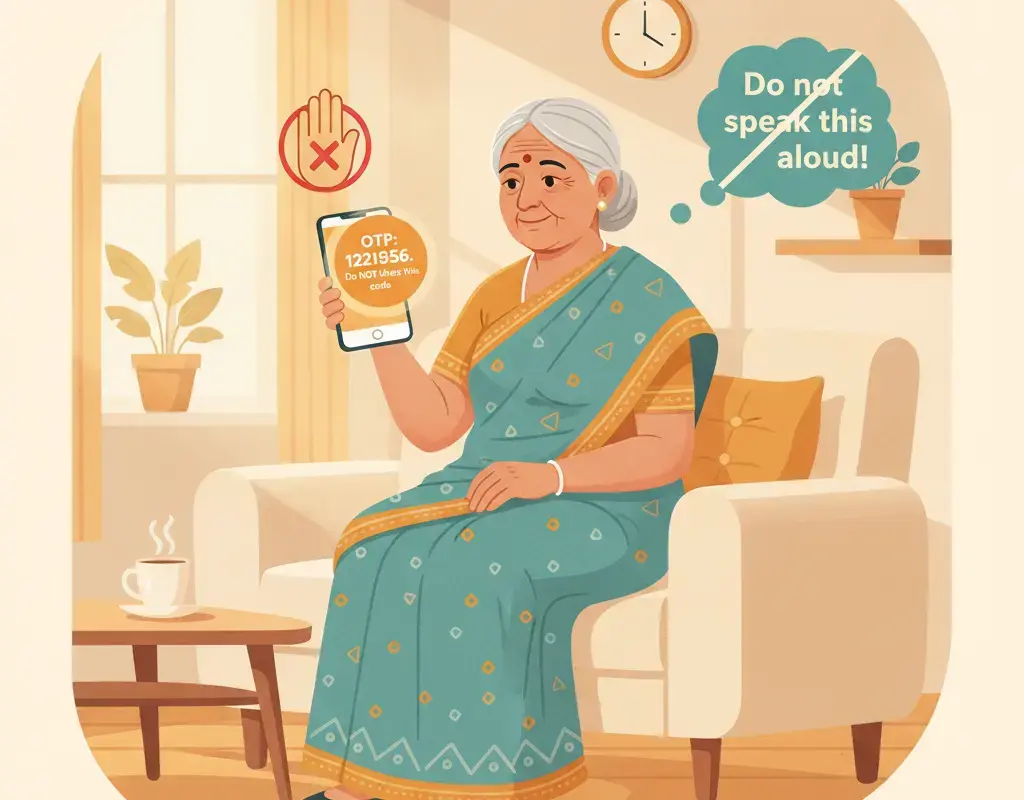
These same rules protect you across many online scams, and they are especially worth teaching to older relatives who may find an urgent bank message frightening.
What are the common versions of the fake KYC message?
The same “update or lose access” template is reused across services, only the brand and the threat change. Once you know the pattern, every version looks the same:
- Bank account KYC. “Your account KYC is pending, it will be suspended today. Click here to update.” This is the most common and the most dangerous, because it aims straight at your savings.
- Wallet or UPI app KYC. “Your wallet KYC has expired, verify now to avoid a permanent block.” The link leads to a fake login or a request to install a remote-access app.
- SIM card re-verification. “Your SIM will be deactivated in 24 hours, complete re-KYC immediately.” Telecom operators do not disconnect numbers over an unclicked SMS link.
- PAN or Aadhaar linking. “Link your PAN with your account today or it will be frozen.” Genuine linking is done through official portals, not a texted link with a countdown.
Notice that every version pairs a trusted institution with a same-day deadline and a link. That combination is the signature of the scam, whichever service it names.
What does a fake KYC message look like in practice?
Picture a typical message: it arrives from an unknown mobile number, addresses you generically rather than by your full account name, and reads something like “Dear customer, your bank KYC is incomplete. Your account will be blocked today. Update immediately at the link below.” The link uses a web address that resembles your bank’s name but is not its real domain. If you tap it, you reach a page that copies your bank’s colours and logo and asks for your customer ID, password and card details, then an OTP. Each field you fill hands the scammer another key. A genuine bank message never works this way: it will not send you a same-day blocking threat with a login link, and it will not ask for your PIN or full card number. When the format matches the description above, delete it and move on.
How should I update my KYC the safe way?
Sometimes a KYC update is genuinely due. Here is how to handle it without risk:
- Confirm it is real. Call your bank on its official number, or check inside the official app, to see whether KYC is actually pending.
- Use official channels only. Complete KYC through the bank’s own app, its official website, or at a branch.
- Carry proper documents to a branch if in-person verification is needed, rather than sending photos of documents to a stranger.
- Ask about fees at the official source. If any charge applies, the official portal or branch will confirm it; never pay a fee to a number from an SMS.
Doing KYC the safe way takes a few extra minutes and removes all the danger. The scam only works when you use the shortcut the criminal handed you.
What should I do if I have already responded?
If you clicked a link, entered details, shared an OTP or installed an app, move fast:
- Do not share any further OTP and disconnect from anyone still contacting you.
- Call your bank’s official helpline to freeze the account or card and stop transactions.
- Call 1930, the National Cyber Crime Helpline, and report the incident.
- File a complaint on cybercrime.gov.in with the message, link, numbers and any transaction details.
- Change your net-banking password and UPI PIN, and uninstall any app the scammer told you to add.
For the full reporting process and what happens after you call, read our guide on how to report cyber fraud through 1930 in Karnataka. Because fake KYC messages often lead into UPI fraud, keep an eye on your UPI transactions too.
The bottom line
A fake KYC update message is a trap wrapped in an official-sounding word and a scary deadline. Real KYC is never done through a random link, a shared OTP, or a downloaded app. When a message pressures you to “update KYC now or lose access”, that pressure is the proof it is fake. Ignore the link, verify directly with your bank, and share this with family so a single alarming text never costs anyone their savings.
Targeted by a scam — or already lost money?
Act immediately: (1) call your bank and freeze the account · (2) call the national Cyber Crime Helpline 1930 · (3) file a complaint at cybercrime.gov.in · (4) visit your nearest police station. See our scam-awareness guide for step-by-step help.
Sources
Vikram Nayak
Vikram Nayak leads cybersecurity coverage at Cyber Kannadigas. He is a certified information-security professional (CompTIA Security+ and CEH) with eight years of experience in security operations and awareness training at IT-services firms in Bengaluru. Vikram translates dense security concepts — phishing kits,… Read full profile →
Frequently Asked Questions
Stay scam-safe: alerts in your inbox
Get new scam alerts, UPI-safety tips, and digital-literacy guides weekly. Free.