How to Shop Online Safely in India: A Beginner’s Guide
Online shopping on sites like Amazon, Flipkart, and Meesho can save you time and money — but only if you know how to stay safe. This plain guide walks you through every step, from checking a website to paying securely.

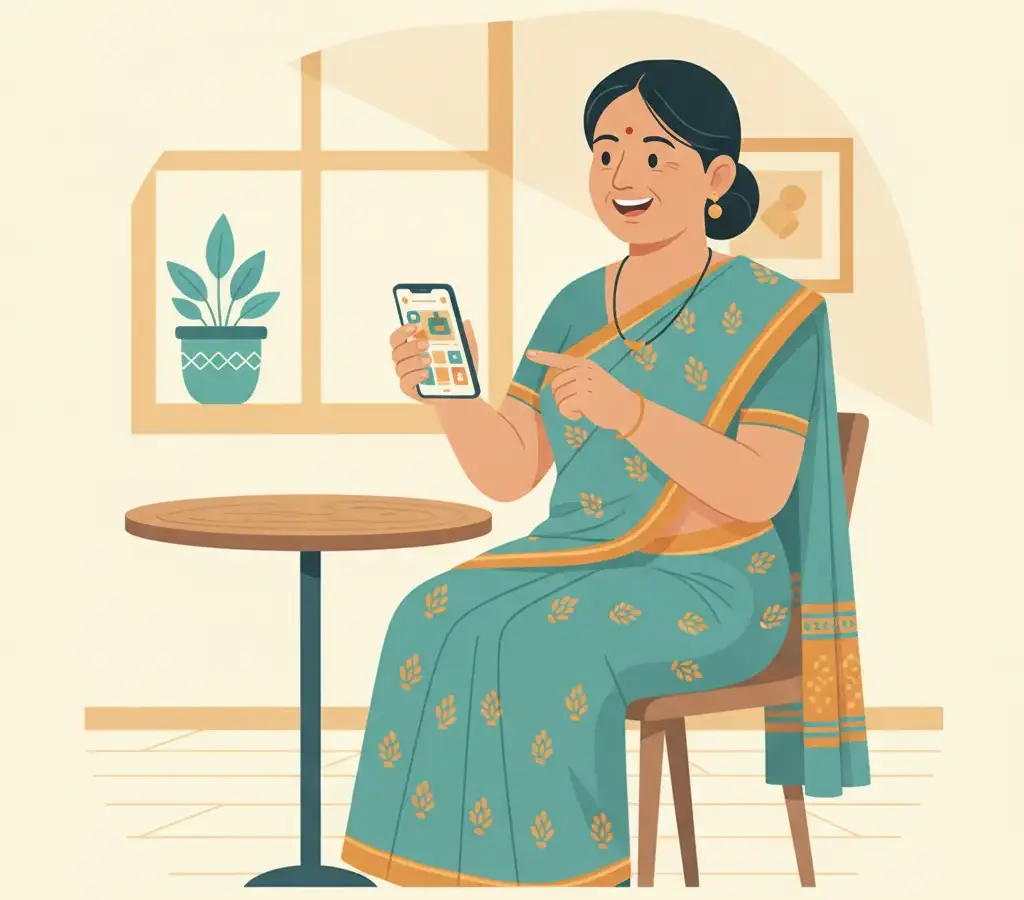
Always shop on well-known, trusted websites. Look for https and a padlock in your browser bar before entering any payment details. Use UPI, net banking, or Cash on Delivery instead of sharing your debit or credit card number directly. Never share OTPs with anyone.
Key Takeaways
- Use only trusted shopping websites and check for the padlock icon and 'https://' before entering any payment details.
- Never share your OTP, CVV, or full debit/credit card number with anyone — not even someone claiming to be from the bank or delivery company.
- Choose cash-on-delivery or UPI for extra safety, especially when buying from a new or unfamiliar seller.
- Keep screenshots of your orders and payment confirmations so you have proof if anything goes wrong.
Shopping online can feel confusing or risky when you are doing it for the first time. You may worry about whether the website is genuine, whether your payment will go through safely, or whether you will actually receive what you ordered. These are very reasonable concerns. The good news is that with a few simple habits, you can shop online with real confidence.
Start with websites you already know
The safest way to begin online shopping in India is to use well-known platforms. Amazon India (amazon.in), Flipkart (flipkart.com), and Meesho (meesho.com) are used by crores of Indians every day and have proper customer support and return policies. For groceries and daily essentials, BigBasket (bigbasket.com) and Blinkit (blinkit.com) are popular and reliable choices.
If a friend or family member recommends a different website, take a moment to search for reviews about it before you buy anything. Type the website name followed by the word ‘reviews’ or ‘complaints’ into Google and read what other buyers have experienced.
Check for the padlock and ‘https://’
Before you enter your name, address, or any payment information, look at the top of your browser where the website address is shown. A safe website will start with https:// — notice the letter ‘s’ at the end of ‘http’. You should also see a small padlock icon near the address. These two things together mean the website is using encryption, which means your information is sent in a scrambled form that strangers cannot easily read.
If a website address starts with just http:// (without the ‘s’) and asks for your payment details, do not proceed. This is a sign that the site may not be secure.
How to pay safely
India has some excellent payment options that give you extra protection when shopping online.
- Cash on delivery (COD): You pay only after the item arrives at your door. This is the safest method if you are buying from a seller you are not sure about. You can check the package before handing over the money.
- UPI (Unified Payments Interface): Apps like PhonePe, Google Pay, and Paytm let you pay directly from your bank account using just a UPI PIN. You do not need to type your card number anywhere. This is very safe for online purchases.
- Debit or credit card: This is fine on trusted, well-known websites. Make sure to enter your card details only on the actual payment page of the site, not on any pop-up or page that opens in a new window suddenly.
Many banks in India offer virtual debit cards through their mobile apps. A virtual card has a temporary number that you can use for online shopping. Even if someone gets that number, they cannot use it for long. Ask your bank if they offer this feature.
Recognising fake or suspicious websites
Scammers sometimes create fake websites that look almost exactly like real shopping sites. Here is how to spot them:
- The website address is slightly misspelled — for example, flipkart-deals.com or amaz0n.in instead of the real addresses.
- Prices seem impossibly low — a phone that normally costs ₹15,000 is listed for ₹2,000. If something looks too good to be true, it usually is.
- The website has no proper contact information, no physical address, and no customer care number.
- Spelling mistakes and poor grammar appear throughout the website.
- They only accept bank transfers or gift cards, not standard payment methods.
Protecting your OTP
OTP stands for One Time Password. When you make a payment, your bank or payment app sends a six-digit code to your registered mobile number. You must type this code to confirm the payment. This code is only for you.
No real bank, shopping website, delivery company, or government official will ever ask you to share your OTP over a phone call, WhatsApp message, or email. If anyone asks for your OTP, it is a scam. Hang up the call or ignore the message immediately.
Scammers often pretend to be customer care agents calling about a ‘payment issue’ or ‘refund.’ They create urgency so that you feel pressured. Remember: no legitimate company will ever ask for your OTP, CVV, or full card number over a call.
What to do if something goes wrong
Even on trusted platforms, problems can happen — a package may not arrive, an item may look different from the photo, or you may be charged twice. Here is what to do:
- Take a screenshot of your order confirmation and payment receipt immediately after buying.
- Contact the website’s customer care through the app or website itself, not through a phone number you found by searching on Google (fake customer care numbers are a common scam).
- If your money was taken but no order was placed, contact your bank immediately using the number on the back of your card or their official app.
- For serious fraud, you can file a complaint at the National Cyber Crime Reporting Portal or call the helpline number 1930.
A simple checklist before you buy
Before completing any online purchase, go through these quick checks:
- Is this a website I know and trust, or have I verified it through reviews?
- Does the address bar show https:// and a padlock?
- Am I paying through COD, UPI, or a secure card payment page?
- Have I taken a screenshot of my order and payment?
- Did anyone ask me for my OTP? (If yes, stop immediately.)
Online shopping is genuinely convenient and can save you time and effort. Millions of people across Karnataka and India shop online safely every single day. With these habits in place, you can be one of them.
Sources
Kavya Hegde
Kavya Hegde covers Karnataka government digital services for Cyber Kannadigas. Based in Hubballi, she has a background in public administration and has spent years helping citizens — and her own extended family — navigate online government portals from Seva Sindhu to Bhoomi… Read full profile →
Frequently Asked Questions
Stay scam-safe: alerts in your inbox
Get new scam alerts, UPI-safety tips, and digital-literacy guides weekly. Free.