How to Spot a Phishing SMS Before It Costs You Money
Fraud texts about blocked accounts, pending parcels and KYC updates land on lakhs of phones every day. Here is how to read the warning signs and stay safe.
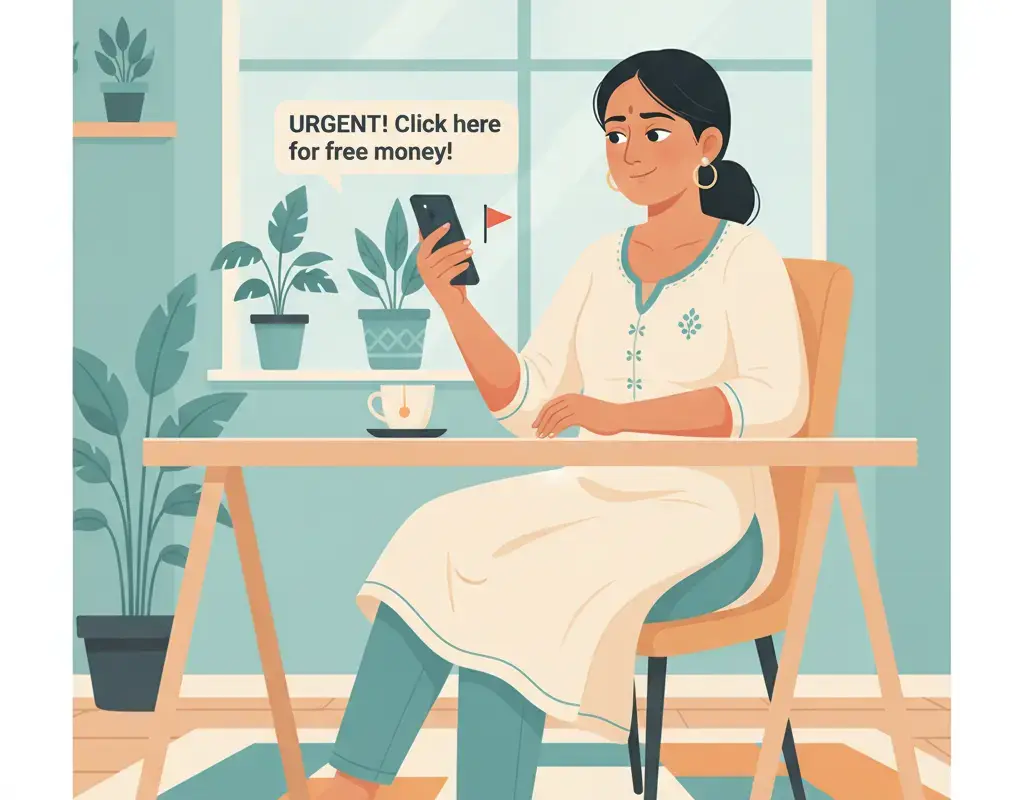
A phishing SMS tries to make you panic and tap a link. Spot it by these signs: it comes from a random 10-digit mobile number instead of a bank short code, it uses urgent threats ("account will be blocked today"), it contains a shortened or misspelt link, and it asks for an OTP, PIN, card number or KYC details. Real banks and government departments never ask for these over SMS. When in doubt, do not tap the link. Open the official app yourself or call the number printed on your card.
Key Takeaways
- Genuine banks and government bodies never ask for your OTP, PIN, CVV or password over SMS.
- A random 10-digit mobile number sending "official" alerts is a strong sign of a scam.
- Urgency and threats ("act within 2 hours or your account is frozen") are designed to stop you thinking.
- Never tap links inside alert messages; open the official app or type the website address yourself.
- If you shared an OTP or card detail, call 1930 and your bank immediately to freeze the account.
Learning how to spot a phishing SMS is one of the most useful digital-safety skills you can pick up today, because these fraud texts reach almost every phone in Karnataka. A phishing SMS is a text designed to trick you into tapping a link, calling a fake number, or sharing a secret like your OTP, UPI PIN or card details. The message pretends to be your bank, a courier company, the electricity board or a government office, and it almost always tries to make you feel scared or excited so you act before you think. The good news: once you know the pattern, you can spot most of these in a few seconds.
What is a phishing SMS?
“Phishing” means fishing for your private information using bait. In an SMS, the bait is usually a short, alarming message with a link. Common examples read like this: “Dear customer, your account will be blocked today. Complete KYC immediately: [link]” or “Your parcel is on hold due to incomplete address. Update here: [link]” or “You have won Rs 25,000 cashback, claim now: [link].” The message wants one thing from you: a tap, a call, or a secret. If you give it, the criminal on the other end can drain your bank account, take over your accounts, or install malware on your phone.
It helps to remember that a text message is just words on a screen. Anyone can type your name, copy a bank’s logo colours on a fake page, or spoof a sender name. The message looking official proves nothing. What matters is what it is asking you to do.
How do I spot a phishing SMS quickly?
You do not need to be technical. Run through this quick mental checklist whenever an “alert” arrives. If even one of these is true, be very suspicious.
- The sender is a personal mobile number. Real banks and government departments send messages through registered short sender IDs (short codes and alphanumeric IDs like VK-ICICIB), never from a normal 10-digit mobile number. A “bank alert” from a random number is almost certainly fake.
- It creates urgency or fear. “Within 2 hours”, “account blocked today”, “immediate action required”, “final warning”. Panic is the scammer’s main weapon. Genuine institutions give you proper notice through official channels.
- There is a link, especially a shortened or odd one. Fraud links often use URL shorteners or lookalike spellings (like sbi-kyc-update.xyz instead of the real bank domain). Any link that arrives with a threat should be treated as dangerous.
- It asks for a secret. OTP, ATM PIN, UPI PIN, CVV, card number, expiry date, internet-banking password, or full date of birth. No genuine bank or officer will ever ask for these over SMS, call or WhatsApp.
- The language is slightly off. Odd grammar, strange spacing, mixed fonts, or a greeting like “Dear Costumer” are common in scam texts.
- It offers something too good. Surprise cashback, lottery wins, refunds you did not expect, or a job paying huge money for tapping links. Free money by SMS is bait.
What do the most common phishing texts look like?
Scammers reuse a handful of storylines. Recognising the story is half the battle. The table below shows the disguise, the lie, and the safe response.
| Disguise | The bait message | The safe response |
|---|---|---|
| Bank / KYC | “Your account is suspended. Update KYC now or lose access.” | Ignore the link. Open your official bank app or visit the branch. Banks do not do KYC by SMS link. |
| Courier / parcel | “Your package is held. Pay Rs 25 customs / update address here.” | Track the parcel only through the courier’s official app or website you typed yourself. |
| Electricity bill | “Power will be disconnected tonight. Pay immediately, call this number.” | Check dues through your official electricity provider’s app or portal. Never call the number in the text. |
| UPI reward | “You received Rs 5,000. Accept the request to credit.” | You never enter a PIN to receive money. Decline any collect request you did not expect. |
| Reward / lottery | “Congratulations! You won a prize. Claim before midnight.” | Delete it. You cannot win a lottery you never entered. |
| Job offer | “Work from home, earn Rs 5,000 daily. Just tap and register.” | Real jobs do not arrive as spam links. Do not share ID or pay a “registration fee”. |
Why is the OTP the thing scammers want most?
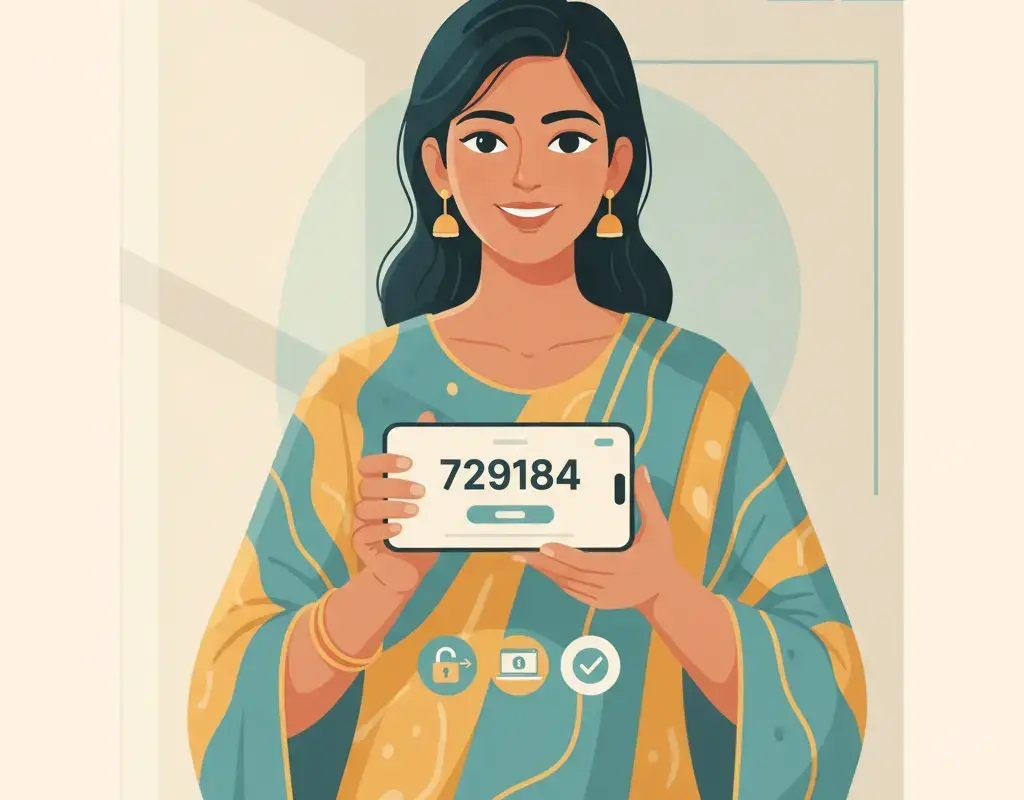
The OTP (one-time password) is the single code that authorises a transaction or login. If a fraudster already has your card number or has started a transfer, the only thing standing between them and your money is that six-digit code sent to your phone. So they invent a reason to make you read it out or type it into their fake page: “to cancel the wrong transaction”, “to verify you are the real owner”, “to stop the block”. The rule is simple and absolute: an OTP is a password. You never share it with anyone, for any reason, ever. Not a bank officer, not a “customer care” agent, not a delivery boy. If someone needs your OTP, they are trying to rob you.
The same goes for your UPI PIN. A UPI PIN is only ever needed to send money. If someone says “enter your PIN to receive the refund”, they are lying, and you are about to send them money. Understanding this one point prevents a huge share of UPI fraud.
How do I check a suspicious link without getting caught?
The safest answer is: do not tap it at all. If you genuinely need to check your bank, courier or bill, close the message and go to the source yourself. Type the official website address into your browser, or open the app you already installed from the Play Store. Never let a text decide which page you land on. If you want to confirm whether a message is genuine, call the customer-care number printed on the back of your debit card or on your official statement, not any number given in the SMS. Scam texts often include a fake “helpline” that connects you straight to the fraudster.
Be especially careful if a link tries to make you install an app or download a file ending in .apk. Legitimate banking and payment apps come from the Google Play Store, not from an SMS link. Installing an APK from a text is one of the fastest ways to hand your phone to a criminal. If you are unsure which apps are safe to install, our guide on choosing safe mobile apps walks through the checks.
Real message versus phishing message: a side-by-side
| Feature | Genuine alert | Phishing SMS |
|---|---|---|
| Sender | Registered short sender ID | Random 10-digit mobile number |
| Tone | Informational, no pressure | Threat, deadline, panic |
| Links | Rare; official domain if any | Shortened or misspelt link |
| Asks for secrets | Never | OTP, PIN, CVV, password |
| Grammar | Clean and consistent | Often awkward or misspelt |
| What it wants | To inform you | A tap, a call, or a secret |
What should I do the moment a phishing SMS arrives?
- Do not tap, do not call, do not reply. Every action you take feeds the scam.
- Do not forward it to family “as a warning” with the link intact. You may accidentally get a relative to tap it.
- Delete it, or keep a screenshot if you plan to report it, then delete the message.
- Verify independently only if you are worried something is genuinely wrong, using the official app or the number on your card.
- Report it so authorities can act. You can lodge a complaint at cybercrime.gov.in and call the national cyber-crime helpline 1930. You can also forward spam texts to your telecom operator.
What if I already fell for it?
Do not waste time feeling embarrassed; these scams are professionally designed to fool careful people. Move quickly instead.
- Call 1930 immediately. This is the national cyber-crime financial-fraud helpline. Reporting within the first hour, sometimes called the “golden hour”, gives banks the best chance to freeze the money before it moves on.
- Call your bank and ask them to block the card and freeze the account or transaction.
- File a complaint at cybercrime.gov.in with the details and any screenshots.
- Change your passwords for internet banking and email if you entered them anywhere.
- Warn your family, especially elderly relatives, so they recognise the same trick. Our page on scam awareness has more on protecting the people around you.
Common mistakes that get people caught
Even sensible people slip up in predictable ways. Watch for these:
- Trusting a message because it uses your name. Your name and mobile number are widely available; personalisation proves nothing.
- Calling the “helpline” in the text. That number connects you straight to the scammer, who will sound calm and professional.
- Believing caller ID or sender names. Both can be faked. Judge by what is being asked, not by what the label says.
- Rushing. The deadline is fake. No genuine institution empties your account because you took an hour to think.
- Assuming your phone is too old or too basic to be a target. Everyone with a bank account is a target.
Building a safer habit
The most powerful defence is a simple rule you follow every time, without exception: never act on an incoming message; act on your own initiative. If a text worries you, close it and go to the official source yourself. Treat every unexpected link as guilty until proven innocent. Keep your phone’s software updated, keep Google Play Protect switched on, and use a strong screen lock. If you handle payments, learn how UPI requests really work so you can immediately tell when a “receive money” message is actually asking you to send. Share these habits with parents and grandparents, who are targeted most often.
Phishing texts will keep coming because they are cheap to send and occasionally work. But they only work on people who react without checking. Now that you know the signs, a threatening “your account will be blocked” message is not frightening. It is just another clumsy attempt that you can calmly delete.
Sources

Sandhya Murthy
Sandhya Murthy edits digital-payments coverage at Cyber Kannadigas. She spent several years in retail banking and fintech operations in Bengaluru before moving to consumer education, and she understands both how UPI and net banking actually work and how they go wrong for… Read full profile →
Frequently Asked Questions
Stay scam-safe: alerts in your inbox
Get new scam alerts, UPI-safety tips, and digital-literacy guides weekly. Free.