How to Spot Fake Apps on the Play Store
Fake and copycat apps slip onto the Play Store to steal money and data. A minute of checking the developer, reviews and permissions keeps them off your phone.

To spot a fake app on the Play Store, check four things before you install: the developer name (does it match the real company?), the download count and review quality (millions of installs and detailed reviews suggest legitimacy), the permissions it requests (a flashlight app should not want your contacts), and the app description for spelling errors. Only install apps from the official Play Store, keep Google Play Protect switched on, and never install an app from a link in an SMS or WhatsApp message.
Key Takeaways
- Check the developer name matches the real company; copycats use slightly different or misspelt names.
- Genuine popular apps have millions of downloads and detailed reviews, not a handful of generic five-star ones.
- If an app asks for permissions it has no reason to need, do not install it.
- Never install apps from links in SMS or WhatsApp; use the official Play Store only.
- Keep Google Play Protect turned on so your phone scans apps for known threats.
Knowing how to spot fake apps on the Play Store protects both your money and your personal data, because a convincing copycat app can quietly steal your banking logins, read your OTPs, or fill your phone with fraud. Fake apps usually pretend to be something you trust: a popular bank, a payment wallet, a loan service, a government utility, or a well-known game. Before you install anything, spend one minute checking four things: who made it, how many people use it, what the reviews say, and what permissions it demands. Those four checks catch the great majority of fakes. And the golden rule underneath all of it: only ever install from the official Play Store, never from a link someone sends you.
What is a fake app and why is it dangerous?
A fake app is one that pretends to be a legitimate, trusted app but is actually built by criminals. Some are near-perfect copies of a real bank or wallet app, designed to capture your username, password and OTP when you “log in.” Others are cheap clones of popular tools that bombard you with ads, sign you up for paid services, or hide malware that watches everything you type. Because they sit inside an app store that people trust, they feel safe, which is exactly what makes them effective. Once installed, a malicious app can ask for permissions that let it read your messages, see your contacts, record your screen, or overlay fake login boxes on top of your real banking app. That is how it captures the details it needs to drain your account.
How do I check the developer before installing?
The developer name is the first and most revealing check. Every app on the Play Store lists the developer under the app title, and you can tap “About the developer” or scroll to the developer contact information. Compare this to the company’s real, official name, which you can confirm from their genuine website. Real organisations use consistent, correctly spelled names and usually have a portfolio of other legitimate apps. Fakes give themselves away with names that are close but wrong: an extra letter, a swapped word, “Official” tacked on, or a generic developer account with only one or two suspicious apps. If a hugely popular service appears to be published by an unknown developer with no track record, stop and look more carefully.
What do the reviews and download count tell me?
Genuine, popular apps accumulate a large number of downloads and a long history of detailed, varied reviews over time. Fakes are usually newer and get removed before they reach that scale, so a “official bank” app with only a few thousand installs should raise your eyebrows. But numbers can be gamed, so read the reviews themselves rather than just the star rating. Watch for these patterns.
- Lots of short, generic five-star reviews like “Great app!” or “Very nice” with no detail, posted close together, often signal fake ratings.
- Real complaints buried lower down mentioning scams, stolen money, endless ads, or the app not working as claimed. Read the one- and two-star reviews.
- A brand-new app claiming to be a famous service. Established brands do not suddenly appear as new listings with few reviews.
- Reviews in broken language that all sound the same. This can indicate paid or automated ratings.
Which permissions should make me suspicious?
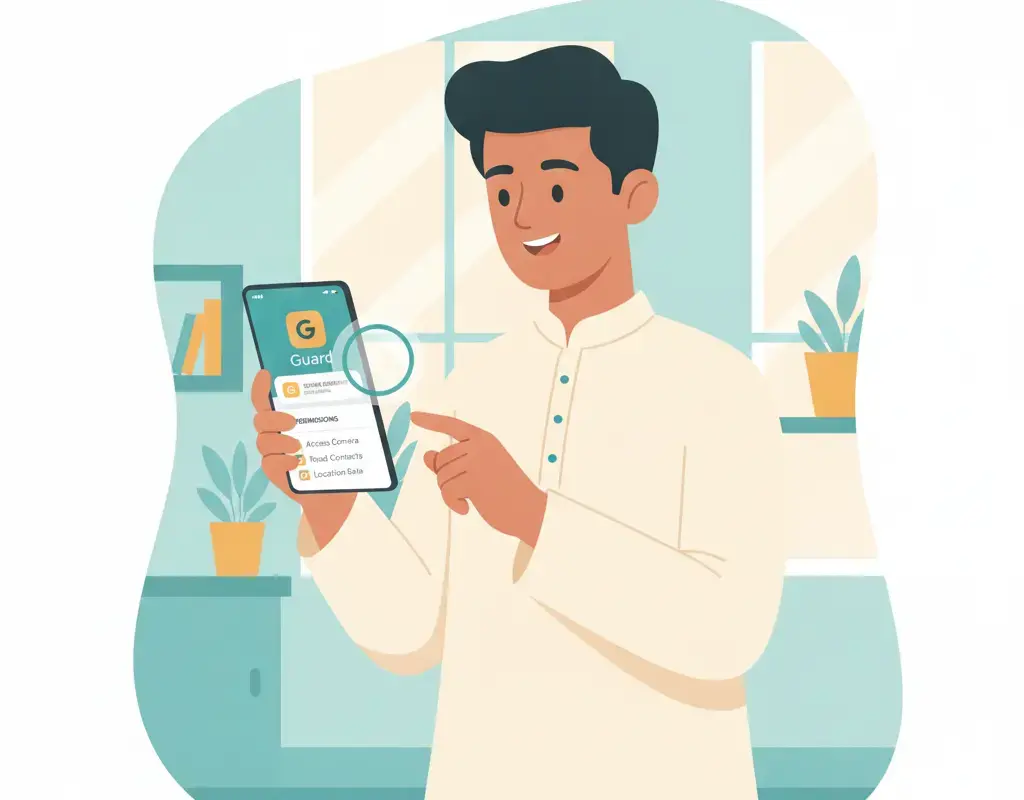
Permissions are the heart of the matter. An app can only do harm with the access you grant it, so a fake app’s request for excessive permissions is often the clearest warning of all. Before installing, and again when the app first runs, look at what it wants. Ask a simple question: does this permission make sense for what the app is supposed to do? A camera app needs the camera. A flashlight, wallpaper or simple calculator app has no business reading your SMS, contacts or call logs. Be especially cautious of apps requesting the ability to read text messages (that is how they steal OTPs), to display over other apps (used to place fake login screens on top of real ones), or accessibility access (which can let an app see and control much of your screen).
| App type | Reasonable permissions | Red-flag permissions |
|---|---|---|
| Flashlight | Camera flash | Contacts, SMS, location, microphone |
| Photo editor | Photos, camera, storage | SMS, call logs, contacts |
| Calculator | Almost none | Internet, SMS, phone, location |
| Wallpaper | Storage, set wallpaper | Read messages, accessibility, overlay |
| Any “bank” app from an unknown developer | None you should trust | All of the above; do not install |
What are the biggest warning signs of a fake app?
Put the checks together and a fake app usually reveals itself. Use this quick checklist as you look at any listing.
| Check | Genuine app | Likely fake app |
|---|---|---|
| Developer | Correct official name, other real apps | Misspelt or unknown developer, no history |
| Downloads | Millions for popular services | Very few for a “famous” brand |
| Reviews | Many detailed, varied reviews | Few, generic, or full of scam complaints |
| Description | Clear, well-written | Broken language, spelling errors |
| Permissions | Match the app’s purpose | Far more than the app needs |
| Icon and screenshots | Sharp, consistent branding | Blurry logo, mismatched images |
Why should I never install apps from links or APK files?
One of the most common ways phones get compromised in India is installing an app from a link in an SMS or WhatsApp message, often a file ending in .apk. Scammers send messages like “Update your bank app here” or “Install this app to claim your refund,” and the file bypasses the Play Store’s checks entirely. Because it never went through the store’s scanning, it can be anything the criminal wants. The rule is simple and firm: install apps only from the official Google Play Store, and ignore any message urging you to download an app directly. If your bank genuinely has an app, you will find it by searching the Play Store yourself, not by tapping a link. This ties directly to spotting a phishing SMS, since the fake link and the fake app are often two halves of the same scam.
How does Google Play Protect help?
Google Play Protect is a security feature built into Android that scans apps for known harmful behaviour, both from the Play Store and, if you have allowed it, apps installed from elsewhere. It can warn you before you install something dangerous and can flag or disable a harmful app already on your phone. Make sure it is switched on: open the Play Store, tap your profile picture, and look for Play Protect, where you can also run a scan of your installed apps on demand. Keep it enabled at all times. It is not a substitute for your own judgement, since brand-new fakes can slip through briefly, but it is a valuable extra layer that catches many known threats automatically.
A safe routine for installing any new app
- Search inside the official Play Store yourself. Do not arrive via a link.
- Confirm the developer name matches the real company, and check they have other legitimate apps.
- Look at downloads and read the reviews, including the low-star ones, for scam complaints.
- Review the permissions and refuse anything that does not fit the app’s purpose.
- Install, then watch the first launch. If it immediately demands SMS, accessibility or overlay access it should not need, uninstall it.
- Keep Play Protect on and update your apps regularly so security fixes reach you.
What should I do if I already installed a fake app?
If you suspect an app is fake or malicious, act quickly to limit the damage:
- Uninstall it right away. Remove the app from your phone before doing anything else.
- Run Google Play Protect to scan for anything else harmful it may have brought along.
- Change important passwords, especially email and banking, in case the app captured them, and turn on two-factor authentication if you have not.
- Watch your bank and UPI accounts closely for any transaction you did not make.
- If money moved, call the national cyber-crime helpline 1930 immediately and file a report at cybercrime.gov.in.
- Warn family members who might have installed the same app; sharing what you learned is part of good scam awareness.
Are loan and reward apps especially risky?
Yes, two categories deserve extra caution in India. Instant-loan apps have been a repeated source of trouble: some demand access to your entire contact list and photos, then use that access to harass and shame borrowers, or charge hidden fees far above what was promised. Before installing any lending app, check that the developer is a recognised, regulated lender, read the low-star reviews for complaints about harassment or hidden charges, and refuse it outright if it wants your contacts and gallery just to give a loan. The second category is “reward,” “earn money,” and “free recharge” apps that promise easy cash for watching videos or tapping links. Many exist only to harvest your data, flood you with ads, or lure you into a scam. Real money does not arrive that easily, and an app that makes big earning promises up front is usually the product being sold, with your data as the price. When in doubt, do not install, and steer family members away from these too as part of everyday scam awareness.
The bottom line
Fake apps succeed by looking familiar and by exploiting a moment of trust or hurry. You take that advantage away with a one-minute habit: install only from the official Play Store, check the developer, read real reviews, and refuse apps that demand permissions they have no reason to need. Keep Google Play Protect on, keep your apps updated, and never install anything from a link in a message. Do that consistently and the polished copycat pretending to be your bank simply never makes it onto your phone in the first place, which is exactly where you want to stop it.
Sources
Deepa Shenoy
Deepa Shenoy is the Scam Awareness Editor at Cyber Kannadigas. A consumer-affairs journalist based in Mangaluru, she has reported on financial fraud and cybercrime across coastal Karnataka for more than nine years, and has interviewed dozens of scam victims and cybercrime investigators.… Read full profile →
Frequently Asked Questions
Stay scam-safe: alerts in your inbox
Get new scam alerts, UPI-safety tips, and digital-literacy guides weekly. Free.