How to Use a Password Manager Safely
Learn how to use a password manager safely in India to protect against phishing and fraud. Master password manager usage with our practical guide.

Quick answer: A password manager securely stores and manages your passwords, generating strong ones and auto-filling them, reducing the risk of hacking and phishing.
Understanding “password manager usage” is crucial in today’s digital age, especially for Indian users who frequently face phishing and online fraud. A password manager is a tool that helps you create, store, and manage strong, unique passwords for all your online accounts, enhancing your overall cybersecurity.
In India, where digital transactions are on the rise, ensuring the safety of your online credentials is more important than ever. This guide will walk you through the safe and effective use of password managers, helping you protect your sensitive information from cyber threats.
Key takeaways
- Choose a reputable password manager with strong encryption.
- Use a master password that’s unique and complex.
- Enable two-factor authentication (2FA) for added security.
- Regularly update your password manager and review stored passwords.
- Never share your master password or stored passwords.
How does a password manager work and why is it essential?
How does a password manager work and why is it essential?
A password manager is a digital tool designed to securely store and manage your passwords for various online accounts. It acts like a digital vault, where all your passwords are encrypted and stored in a secure database. When you need to log in to a website or app, the password manager automatically fills in your credentials, ensuring that you use a unique and strong password for each account without having to remember them all.
Using a password manager is essential in today’s digital age for several reasons. Firstly, it helps you maintain strong and unique passwords for each of your online accounts. Many people tend to reuse passwords across multiple sites, which is a risky practice. If one account is compromised, all accounts with the same password become vulnerable. A password manager encourages the use of complex passwords that are difficult for hackers to crack.
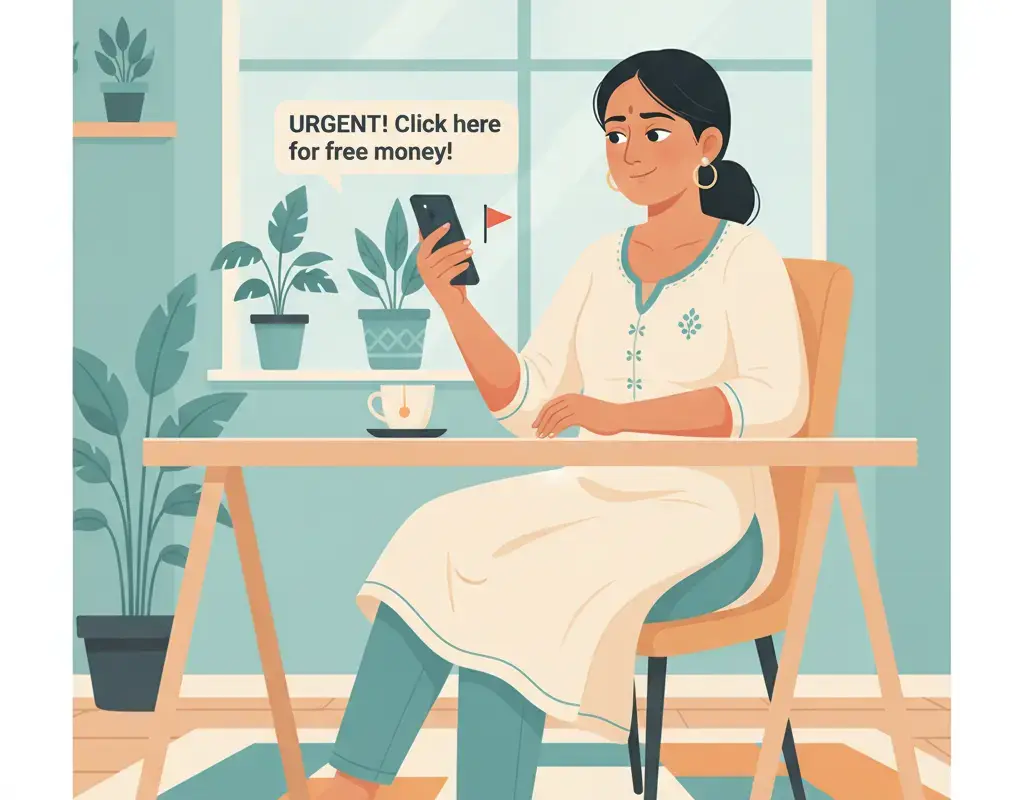
Secondly, password managers enhance your online security by reducing the risk of phishing attacks. Since the password manager automatically fills in your credentials only on legitimate websites, it won’t autofill your information on fake websites designed to trick you into entering your login details. This adds an extra layer of protection against phishing scams, which are prevalent in India and often lead to financial fraud.
Moreover, password managers can help you securely share passwords with family members or colleagues when needed. This is particularly useful for managing shared accounts, such as family streaming services or business accounts. Most password managers offer secure sharing features that allow you to share passwords without exposing them to potential interception.
Here are some key features to look for in a password manager:
- End-to-end encryption: Ensures that your data is encrypted on your device and can only be decrypted by you.
- Two-factor authentication (2FA): Adds an extra layer of security by requiring a second form of verification.
- Automatic password generation: Helps create strong, random passwords for new accounts.
- Cross-platform support: Allows you to access your passwords across multiple devices and browsers.
When choosing a password manager, consider factors such as security features, ease of use, and compatibility with your devices. The table below provides a simple comparison of some popular password managers:
| Password Manager | End-to-End Encryption | Two-Factor Authentication | Free Tier Available |
|---|---|---|---|
| LastPass | Yes | Yes | Yes |
| 1Password | Yes | Yes | No |
| Bitwarden | Yes | Yes | Yes |
| Dashlane | Yes | Yes | Yes |
Remember, while password managers are a powerful tool for enhancing your online security, they are not a substitute for other security practices. Always be cautious of phishing attempts, regularly update your software, and report any suspicious activity to the authorities by visiting cybercrime.gov.in or calling 1930.
What are the risks of not using a password manager?
What are the risks of not using a password manager?
In today’s digital age, where almost every aspect of our lives is connected to the internet, using strong and unique passwords for each online account is crucial. However, many people still rely on simple, easy-to-remember passwords or reuse the same password across multiple platforms. This practice exposes them to significant risks, making their personal and financial information vulnerable to cybercriminals.
1. Increased Vulnerability to Cyberattacks: Without a password manager, individuals often resort to using simple passwords or variations of the same password for different accounts. This makes it easier for hackers to guess or crack passwords using automated tools. Once a hacker gains access to one account, they can potentially compromise other accounts that use the same or similar passwords.
2. Data Breaches and Identity Theft: In the event of a data breach, where a company’s database is hacked and user information is stolen, having weak or reused passwords can lead to identity theft. Cybercriminals can use the stolen credentials to gain unauthorized access to your other accounts, leading to financial loss and damage to your reputation.
3. Phishing Attacks: Phishing attacks are becoming increasingly sophisticated, often tricking users into entering their login credentials on fraudulent websites. If you use the same password across multiple sites, falling for a phishing scam can give attackers access to a wide range of your personal and financial accounts.
4. Lack of Convenience and Time-Consuming: Without a password manager, managing multiple accounts with different passwords can be cumbersome. This often leads to users opting for less secure practices, such as writing down passwords or storing them in unsecured digital notes, which can be easily accessed by others.
To better understand the risks, consider the following comparison between using a password manager and not using one:
| Factor | Not Using a Password Manager | Using a Password Manager |
|---|---|---|
| Password Strength | Often weak and reused | Strong and unique for each account |
| Risk of Data Breach | High | Low |
| Convenience | Low | High |
| Protection Against Phishing | Limited | Enhanced |
In summary, not using a password manager can leave you exposed to various cyber threats, including hacking, identity theft, and phishing attacks. By using a password manager, you can significantly reduce these risks and enjoy the added benefit of convenience. For more information on protecting yourself online, visit the official Indian cybercrime portal at cybercrime.gov.in or call the national helpline at 1930.
How to choose the right password manager for your needs?
What are the steps to set up a password manager securely?
What are the steps to set up a password manager securely?
Using a password manager is a crucial step in enhancing your online security, especially in the context of increasing digital threats in India. Here’s a guide to setting up a password manager securely.
First, choose a reputable password manager. Look for well-known options like LastPass, Dashlane, or Bitwarden. These have been tested by security experts and are regularly updated to protect against new threats. Avoid less-known or free options that may not have robust security features. If you’re unsure, check reviews and recommendations from trusted tech websites or the Indian Cybercrime Coordination Centre.
Next, create a strong master password. This password will be the key to all your other passwords, so it’s vital to make it as strong as possible. Use a combination of letters (both uppercase and lowercase), numbers, and special characters. Avoid using easily guessable information such as birthdays, names, or common words. Consider using a passphrase—a sequence of random words—for better security and easier recall.
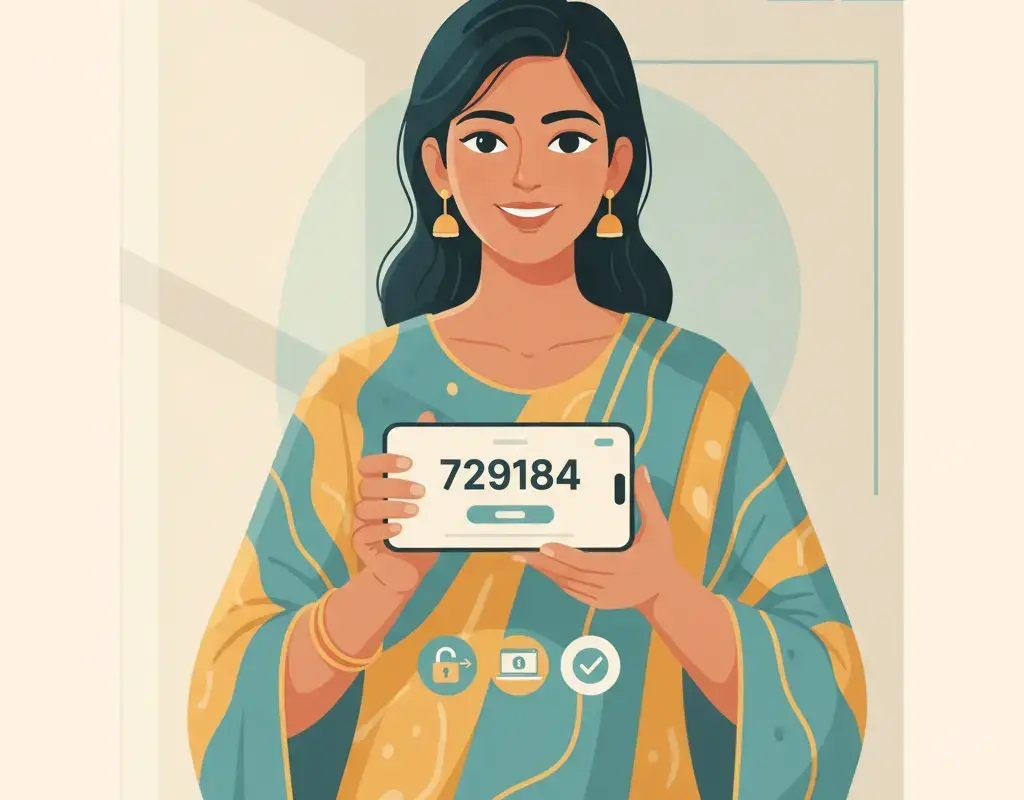
Once you’ve chosen a password manager and created a master password, enable two-factor authentication (2FA). This adds an extra layer of security by requiring a second form of verification, such as a code sent to your phone or generated by an app like Google Authenticator. This step is crucial as it protects your passwords even if your master password is somehow compromised.
After setting up the password manager, import your existing passwords. Most password managers allow you to import passwords from your browser or other password managers. Once imported, go through and update any weak or duplicate passwords. Aim to have a unique, strong password for each of your online accounts.
Here are some additional tips for using your password manager securely:
- Regularly update your master password and any other security settings.
- Backup your password database regularly. Some password managers offer cloud backup options, which can be convenient but ensure they use strong encryption.
- Be cautious with browser extensions. While convenient, they can be vulnerable to attacks. Use them only from trusted sources and keep them updated.
For those new to password managers, here’s a quick comparison of some popular options:
| Feature | LastPass | Dashlane | Bitwarden |
|---|---|---|---|
| Free Version | Yes | Limited | Yes |
| 2FA Support | Yes | Yes | Yes |
| Password Audit | Yes | Yes | Yes |
| Platforms Supported | Windows, macOS, iOS, Android | Windows, macOS, iOS, Android | Windows, macOS, iOS, Android |
Remember, the goal is to make your online presence as secure as possible. If you suspect any fraudulent activity, report it immediately to the National Cybercrime Reporting Portal or call the toll-free number 1930.
How can you ensure the safety of your passwords with a manager?
How can you ensure the safety of your passwords with a manager?
Using a password manager is a smart move in today’s digital world, especially in India where cyber threats are on the rise. However, it’s crucial to use them safely to protect your sensitive information.
First and foremost, choose a reputable password manager. Look for well-known brands that have a strong track record in security. These managers often use strong encryption to protect your data. Some popular options include Bitwarden, LastPass, and 1Password. Before deciding, read reviews and check for any security breaches in the past. If you’re unsure, you can consult resources from official channels like cybercrime.gov.in for more guidance.
Once you’ve selected a password manager, create a strong, unique master password. This password is the key to all your other passwords, so make it long, complex, and unpredictable. Avoid using common phrases or personal information. Consider using a passphrase—a sequence of random words or a sentence that is easy for you to remember but hard for others to guess. Remember, if you forget your master password, you may lose access to all your stored passwords, so keep it safe.
To further enhance security, enable two-factor authentication (2FA) on your password manager. This adds an extra layer of protection by requiring a second form of verification, such as a code sent to your phone or an authentication app. This means that even if someone manages to get your master password, they still can’t access your account without the second factor.
Here are some additional tips to ensure the safety of your passwords:
- Regularly update your master password: Change it every few months to minimize risk.
- Use the password generator feature: Most password managers offer a tool to create random, complex passwords for your accounts.
- Monitor your accounts: Regularly check for any suspicious activity and update passwords if you suspect a breach.
- Backup your password database: Some managers allow you to export your passwords. Keep this backup in a secure, encrypted form.
Finally, be cautious of phishing attempts. Cybercriminals often try to trick you into revealing your master password. Always access your password manager through official apps or websites, and never click on suspicious links. For more information on recognizing and reporting phishing, visit cybercrime.gov.in or call the national helpline at 1930.
Here’s a quick comparison of some popular password managers:
| Feature | Bitwarden | LastPass | 1Password |
|---|---|---|---|
| Encryption | AES-256 | AES-256 | AES-256 |
| 2FA Support | Yes | Yes | Yes |
| Free Tier | Yes | Yes | No |
| Platforms | Windows, macOS, Linux, iOS, Android | Windows, macOS, iOS, Android | Windows, macOS, iOS, Android |
By following these guidelines, you can significantly reduce the risk of your passwords being compromised and protect yourself from potential cyber threats.
What are the best practices for password manager usage?
What are the best practices for password manager usage?
Using a password manager is a crucial step in enhancing your online security, especially in the context of increasing digital fraud in India. However, to maximize its benefits, it is essential to follow best practices to ensure your passwords remain secure.
First and foremost, choose a reputable password manager. Look for well-known options like LastPass, Dashlane, or Bitwarden, which have a proven track record of security and regular updates. These managers use strong encryption to protect your data. Always download the application from official sources to avoid phishing attempts or malware.
Once you have selected a password manager, set a strong master password. This password is the key to all your other passwords, so it should be long, complex, and unique. Avoid using easily guessable information such as birthdays or common words. Consider using a passphrase—a sequence of random words or a sentence that is easy for you to remember but difficult for others to guess.
Enable two-factor authentication (2FA) for an added layer of security. This means that even if someone gains access to your master password, they would still need a second form of verification to access your account. This could be a code sent to your phone or generated by an app like Google Authenticator.
Regularly update your passwords and avoid reusing them across different sites. A password manager can help you generate strong, unique passwords for each of your accounts. Here are some additional tips:
- Regularly review and update your password manager’s security settings.
- Be cautious of phishing attempts; never enter your master password on suspicious websites.
- Use the password manager’s built-in features to identify and update weak or compromised passwords.
- Keep your password manager application updated to protect against vulnerabilities.
Finally, consider the following factors when choosing a password manager:
| Factor | Importance |
|---|---|
| Encryption strength | High |
| User interface | Medium |
| Cross-platform support | High |
| Cost | Low to Medium |
| Two-factor authentication | High |
For more information on cybersecurity and to report any suspicious activity, visit cybercrime.gov.in or call the national helpline at 1930.
Frequently asked questions
What is a password manager and how does it work?
A password manager is a tool that securely stores and manages your passwords, generating strong, unique ones and auto-filling them on websites and apps.
Is it safe to store all my passwords in one place?
Yes, if you use a reputable password manager with strong encryption and a secure master password, it is safer than using weak or repeated passwords.
Can I use a password manager on multiple devices?
Most password managers offer cross-platform support, allowing you to use them on smartphones, tablets, and computers, often with synchronization features.
What happens if I forget my master password?
If you forget your master password, you may lose access to your password manager. Some managers offer recovery options, but they can compromise security.
How often should I update my passwords?
It’s good practice to update your passwords regularly, especially for sensitive accounts, and a password manager can help you manage and track these updates.
Are password managers free?
Some password managers offer free versions with basic features, while others require a subscription for full functionality and advanced security features.
Arjun Rao
Arjun Rao is the founder and Editor-in-Chief of Cyber Kannadigas. A Bengaluru-based journalist and digital-rights advocate, he has spent over a decade writing about technology, governance, and consumer protection for Indian readers. He started Cyber Kannadigas after watching family members and neighbours… Read full profile →
Stay scam-safe: alerts in your inbox
Get new scam alerts, UPI-safety tips, and digital-literacy guides weekly. Free.