What Is Two-Factor Authentication and Why Turn It On Today
Two-factor authentication is the single most effective step an ordinary user can take to protect online accounts — and setting it up takes under five minutes. Here is how it works and where to start.

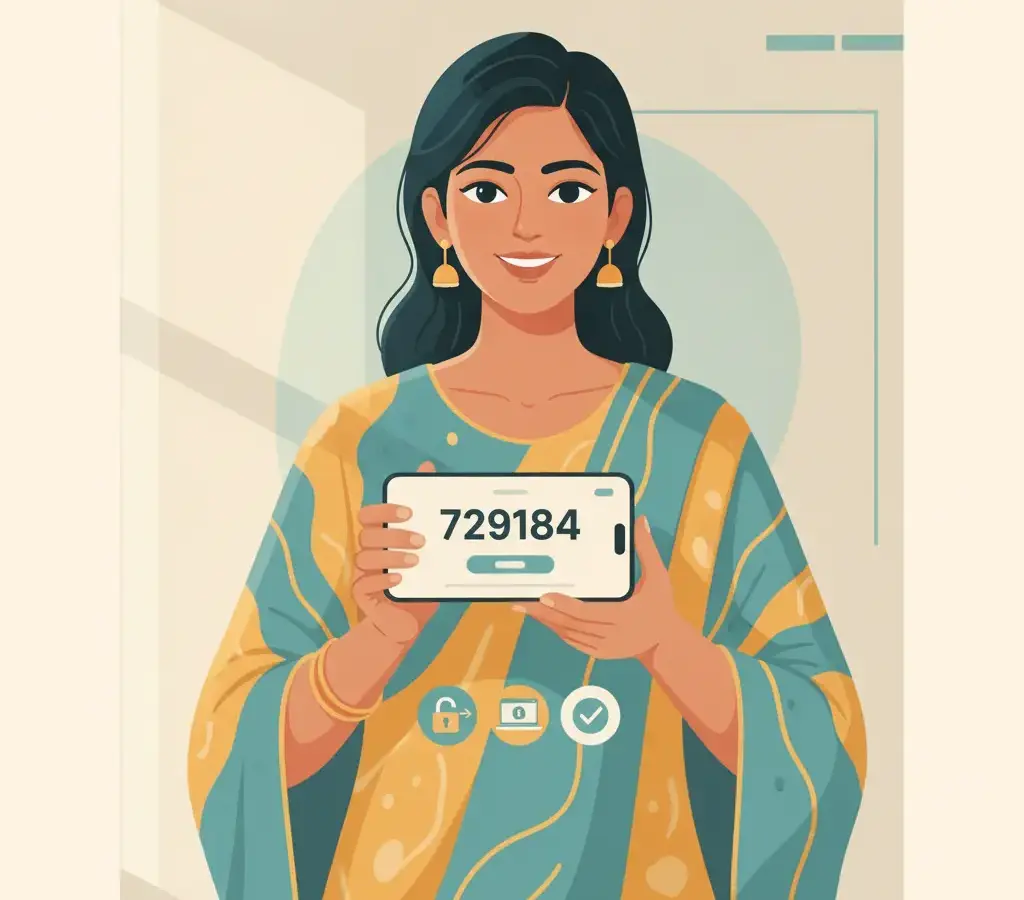
Two-factor authentication (2FA) requires a second proof of identity beyond your password — usually a one-time code from an app or SMS. Even if someone steals your password, they cannot log in without that second factor. Enable it first on your email account, then banking apps and social media.
Key Takeaways
- 2FA stops most account takeovers even when your password has leaked in a breach
- An authenticator app is more secure than SMS codes
- Enable 2FA on email first — it protects every account that uses email for password resets
- Store backup codes offline in a safe place when you set up 2FA
The Lock-and-Key Idea
A password is like a key to your house. If someone copies the key — through a breach, phishing, or shoulder-surfing — they can walk in whenever they like. Two-factor authentication adds a second lock that needs a completely different key: one that exists only on your phone and changes every 30 seconds. Even with your password in hand, an attacker is stopped.
The formal term is multi-factor authentication. Factors fall into three types: something you know (password), something you have (your phone or a hardware key), and something you are (biometrics). 2FA combines any two.
The Three Common Types
1. SMS One-Time Passwords
You receive a 6-digit code by SMS after entering your password — familiar from every UPI transaction. It is far better than no second factor, but it is the weakest method: SMS OTPs can be intercepted through SIM-swapping or real-time phishing pages. CERT-In has documented SIM-swap fraud in India. If you can move beyond SMS for high-value accounts, do.
2. Authenticator App
Apps like Google Authenticator, Authy, and Microsoft Authenticator generate a time-based code that changes every 30 seconds, computed locally on your phone. It never travels over SMS, making it immune to SIM-swapping and far harder to phish. This is what security professionals recommend for most users; it works offline.
3. Hardware Security Keys
Physical keys like a YubiKey are the most phishing-resistant option, used by journalists and high-risk professionals. For everyday users an authenticator app gives excellent protection at no cost.
When setting up an authenticator app, save the backup codes the service provides. These one-time codes let you recover access if you lose your phone. Store them somewhere secure — not in the same email account they protect.
Where to Enable 2FA First
- Email (Gmail, Outlook): highest priority — every password reset flows through email.
- Banking and UPI apps: most already enforce OTP; check for app-based login.
- Social media: account takeovers here are used to scam your contacts.
- WhatsApp: enable two-step verification in Settings > Account > Two-step verification — this blocks SIM-swap account theft.
Never read your OTP aloud to anyone who calls you, whoever they claim to be. NPCI, CERT-In, and every legitimate bank in India state that they will never ask for an OTP over the phone. If someone calls asking for it, it is fraud — hang up and call your bank’s official number.
Setting Up 2FA on Gmail
Go to myaccount.google.com > Security > 2-Step Verification. Add your phone number, then choose an authenticator app, scan the QR code, confirm the six-digit code, and download your backup codes. The whole process takes about four minutes. The Security page also shows which devices are logged in.
What 2FA Does Not Protect Against
2FA stops attackers who have only your password. It does not protect you if you enter both your password and OTP on a phishing page, if someone has your unlocked phone, or if malware reads your screen. This is why phishing awareness and device security matter alongside it — defence in depth.
The Indian Regulatory Context
RBI guidelines already mandate two-factor authentication for online financial transactions, which is why you use OTPs for NEFT, IMPS, and UPI. Enabling 2FA on your other accounts simply extends the same protection regulators already require for your money.
Sources
Vikram Nayak
Vikram Nayak leads cybersecurity coverage at Cyber Kannadigas. He is a certified information-security professional (CompTIA Security+ and CEH) with eight years of experience in security operations and awareness training at IT-services firms in Bengaluru. Vikram translates dense security concepts — phishing kits,… Read full profile →
Frequently Asked Questions
Stay scam-safe: alerts in your inbox
Get new scam alerts, UPI-safety tips, and digital-literacy guides weekly. Free.