Strong Passwords: Create and Manage Them Without the Headache
Weak or reused passwords remain the single most common entry point for account takeovers in India. This practical guide shows you how to build strong credentials and keep them manageable.

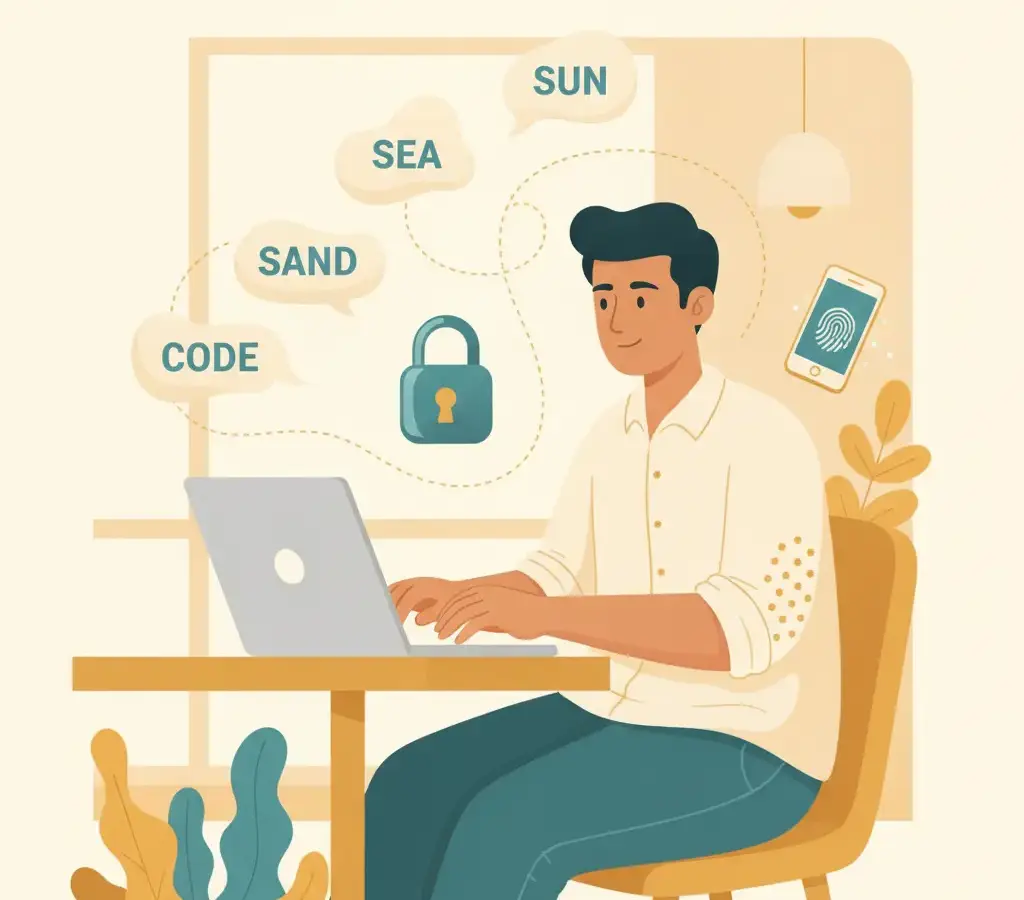
A strong password is long (14+ characters), random, and unique per account. The easiest approach is a passphrase of four or more unrelated words, or a password manager that generates and stores complex credentials for you. Never reuse passwords across email, banking, and social accounts.
Key Takeaways
- Length beats complexity — a 16-character passphrase is stronger than a short symbol-heavy password
- Never reuse the same password across multiple accounts, especially email and banking
- A reputable password manager removes the need to memorise dozens of credentials
- Check whether your credentials have leaked at haveibeenpwned.com
Why Your Current Password Probably Isn’t Strong Enough
The most common passwords found in Indian data-breach dumps are variations of password123, mobile numbers, birthdates, and the user’s own name followed by a number. These are trivially guessable — a basic dictionary attack cracks them in seconds.
The problem is not carelessness. It is that the conventional advice — “use uppercase, lowercase, a number, and a special character” — produces passwords like Bangalore1! that are both annoying to type and easier to crack than a random passphrase. Better guidance exists, and it is actually more practical.
What Makes a Password Strong, in Plain Terms
Password strength comes down to entropy — the number of guesses an attacker must make. Entropy grows with length far more efficiently than with character complexity. Consider:
- P@ssw0rd (8 characters, mixed) — cracks quickly with modern hardware
- correct-horse-battery-staple (28 characters, all lowercase) — would take centuries to brute-force
The second follows the passphrase model referenced in NIST SP 800-63B, the standard that now discourages mandatory special-character rules in favour of length. Pick four or more completely unrelated words. Add a number or punctuation only if a site requires it — the words do the heavy lifting.
Pick four words with no connection — a vegetable, a city, an animal, a tool — in any transliteration. The randomness matters more than the language. Write it on paper and keep it physically secure while you memorise it.
The One Rule That Matters Most: Never Reuse
If you do only one thing after reading this, make it this: give your primary email account a unique password used nowhere else. Your email is the master key to almost every other account — password resets, bank notifications, and UPI alerts all arrive there. If that password matches a compromised account from an old breach, an attacker has everything.
Check whether your email or phone number appears in known breach databases at haveibeenpwned.com, run by security researcher Troy Hunt. It is free, does not ask for your actual password, and is widely trusted.
Password Managers: The Practical Solution
The honest answer to “how do I use unique 20-character passwords everywhere?” is a password manager. These apps generate and store complex credentials behind a single strong master password. You only need to remember one thing well. Reputable options that work well in India:
- Bitwarden — open-source, generous free tier, apps for every platform
- 1Password — polished, paid, strong family plan
- Google Password Manager (built into Chrome and Android) — convenient within the Google ecosystem
Do not store your master password inside the manager it unlocks, and do not save it in an unencrypted notes app or a shared document. Write it down once on paper and store it somewhere physically secure.
Creating a Strong Master Password
Your master password deserves special care: choose five or more unrelated words (avoid song lyrics, famous quotes, or your address — these appear in attack wordlists), insert a number or symbol in the middle rather than at the end, aim for 16+ characters, and share it with no one who does not need it.
Passwords for UPI and Banking Apps
Indian banking apps use a 4 or 6-digit MPIN for transactions. Avoid obvious combinations: 1234, 0000, your birth year, or the last four digits of your mobile number. Treat your UPI PIN with the seriousness of a cash PIN — and never enter it in response to any request outside the official app.
When to Change a Password
Change passwords when a service reports a breach, when your email shows up on haveibeenpwned.com, when you suspect compromise, or when you have shared a password and the relationship has changed. Routine forced 90-day changes are no longer recommended — they encourage weak, predictable patterns.
Sources
Vikram Nayak
Vikram Nayak leads cybersecurity coverage at Cyber Kannadigas. He is a certified information-security professional (CompTIA Security+ and CEH) with eight years of experience in security operations and awareness training at IT-services firms in Bengaluru. Vikram translates dense security concepts — phishing kits,… Read full profile →
Frequently Asked Questions
Stay scam-safe: alerts in your inbox
Get new scam alerts, UPI-safety tips, and digital-literacy guides weekly. Free.