WhatsApp Safety for Seniors: Avoiding Forwarded Fraud and Fake News
WhatsApp has become the most popular way for Indian families to stay in touch — but it has also become the most popular channel for fraud, fake news, and financial scams targeting older adults. This guide shows you how to enjoy WhatsApp safely while protecting your money, your privacy, and your family.
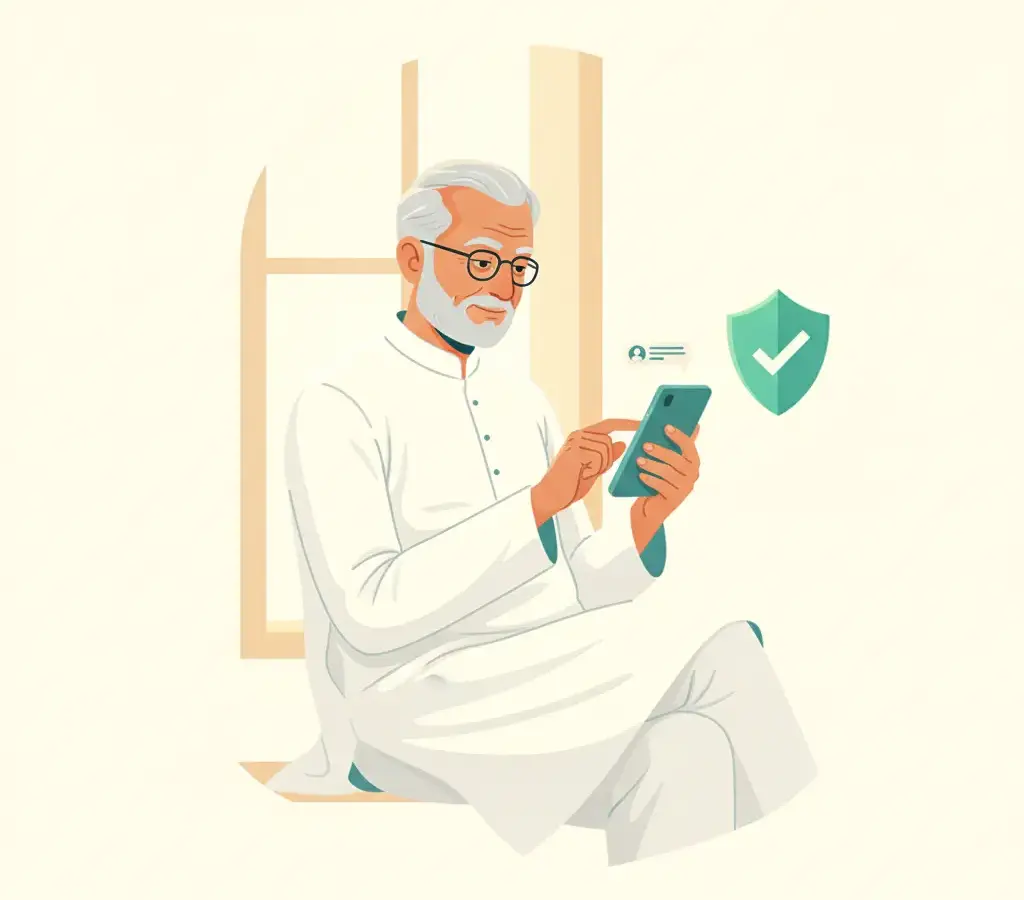
Never forward a message that asks you to click a link, share your OTP, or send money — even if it comes from a family group. Verify anything about prizes, government schemes, or emergencies directly with the person or organisation before taking any action. Use WhatsApp's privacy settings to control who can add you to groups.
Key Takeaways
- A “Forwarded” label on a WhatsApp message means the sender did not write it themselves — treat all forwarded messages about money, prizes, or health with extra caution.
- No government scheme or bank will send you a prize notification through a WhatsApp link. Verify all such messages on official .gov.in websites.
- Turn on two-step verification in WhatsApp Settings to protect your account from being hijacked.
- If your WhatsApp account is taken over by a fraudster, warn your contacts immediately and call 1930 to report it.
WhatsApp brings families closer. I use it every day to speak with my grandchildren in Bengaluru and to share news with my neighbours here in Mysuru. But over the past few years, I have seen it cause real harm to people I know — through fraudulent links, fake government scheme messages, and account takeovers that embarrassed and hurt good, careful people.
The good news is that a few simple habits will keep you safe and confident on WhatsApp.
Understanding the “Forwarded” Label
When you receive a message on WhatsApp, look at the top of the message. If it shows the word “Forwarded” — or “Forwarded many times” with a double arrow — it means the person who sent it to you did not write it themselves. They received it from someone else, who received it from someone else, and so on.
Forwarded messages are not necessarily false, but they deserve your caution — especially if they involve money, prizes, medicines, or urgent news. A message forwarded through many hands may have started as something innocent and been changed, or it may have been created by someone with bad intentions from the beginning.
Even if the message comes from your son’s family group or your sister-in-law, she may not know whether it is true either — she may have simply forwarded it in good faith. Kind people share false information every day without realising it.
Common WhatsApp Scams Targeting Seniors
The Free Government Scheme Message
A message says the government is giving Rs 5,000 or free gas cylinders or free medicine to senior citizens. All you need to do is click a link and enter your Aadhaar number. These are fake. All genuine government schemes are announced on official .gov.in websites. No real scheme is distributed through a WhatsApp forward.
The “Your Number Has Won a Prize” Message
A message congratulates you on winning a lottery in the KBC, Reliance, or some other well-known name. To claim your prize, you must share your bank details or pay a small “processing fee.” No legitimate lottery contacts winners through WhatsApp. This is always a scam.
The Fake Family Emergency
A WhatsApp message from an unknown number says “Amma, it’s me, I lost my phone and this is a friend’s number. I am in hospital. Please send money to this UPI ID urgently.” Always call your child or grandchild directly on their known number before sending any money. Criminals count on your love and worry to make you act before you think.
The Dangerous Link
A message asks you to click a link to see a “shocking video about you” or to “update your WhatsApp” or to claim a reward. Clicking such links can install harmful software on your phone or take you to a fake website that steals your details.
If a WhatsApp message contains a link and asks you to click it urgently, do not click. Show it to a trusted family member or young person you trust before doing anything. When in doubt, leave it out.
How to Protect Your WhatsApp Account
Turn on Two-Step Verification
This is a six-digit PIN you set yourself that is required whenever WhatsApp is installed on a new device. Go to WhatsApp → Settings → Account → Two-step verification → Enable. Write your PIN down and keep it somewhere safe — a small diary at home works well. This one step stops most account hijacking attempts.
Never Share Your WhatsApp OTP With Anyone
When WhatsApp is set up on a new device, it sends a six-digit code by SMS. A common scam is for someone to call you, pretend to be a relative, and ask for this code — saying they accidentally sent an OTP to your number. If you share this code, the criminal gains full access to your WhatsApp account and can message all your contacts while pretending to be you.
Control Who Can Add You to Groups
Go to WhatsApp → Settings → Privacy → Groups. Change it from “Everyone” to “My Contacts” or “My Contacts Except.” This means strangers cannot add you to unknown groups without your permission. Many scam operations work by adding thousands of random numbers to groups and then sending fraudulent offers.
Check Profile Photos and Names Carefully
Scammers sometimes use the profile photo and name of a real person you know to contact you from a different number. If someone you know well is contacting you from an unknown number, call them on their usual number to confirm it is really them before responding.
How to Verify Before You Forward
Before forwarding any message — about health, money, government, or news — ask yourself three questions:
- Who originally wrote this? Is there a credible source named — a newspaper, a government website, a hospital? Or is it anonymous?
- Can I verify it on a .gov.in or .nic.in website? For any claim about government schemes or laws, check the official website.
- Would sharing this help or harm someone? False health advice in particular has caused genuine suffering during health crises.
If you are unsure, the safest and kindest action is to simply not forward the message.
What to Do If Your Account Is Taken Over
If you suddenly cannot log into WhatsApp, or your contacts tell you that messages are being sent from your account that you did not send, act immediately:
First, tell your family and contacts through a phone call not to trust any messages they receive from your WhatsApp number. Second, try logging back into WhatsApp on your phone — it will send you a verification code by SMS. Third, call the National Cyber Crime Helpline at 1930 to report the fraud. You can also file a complaint at cybercrime.gov.in.
Being targeted by a scammer is not a sign of carelessness. These are sophisticated, professional criminals. What matters is acting quickly and calmly when something feels wrong.
Sources
Ramesh Iyengar
Ramesh Iyengar is the Elder Safety Specialist at Cyber Kannadigas. A retired educator from Mysuru who later trained as an adult-learning facilitator, he has run community smartphone-literacy sessions for senior citizens for several years. Ramesh writes specifically for older readers and the… Read full profile →
Frequently Asked Questions
Stay scam-safe: alerts in your inbox
Get new scam alerts, UPI-safety tips, and digital-literacy guides weekly. Free.